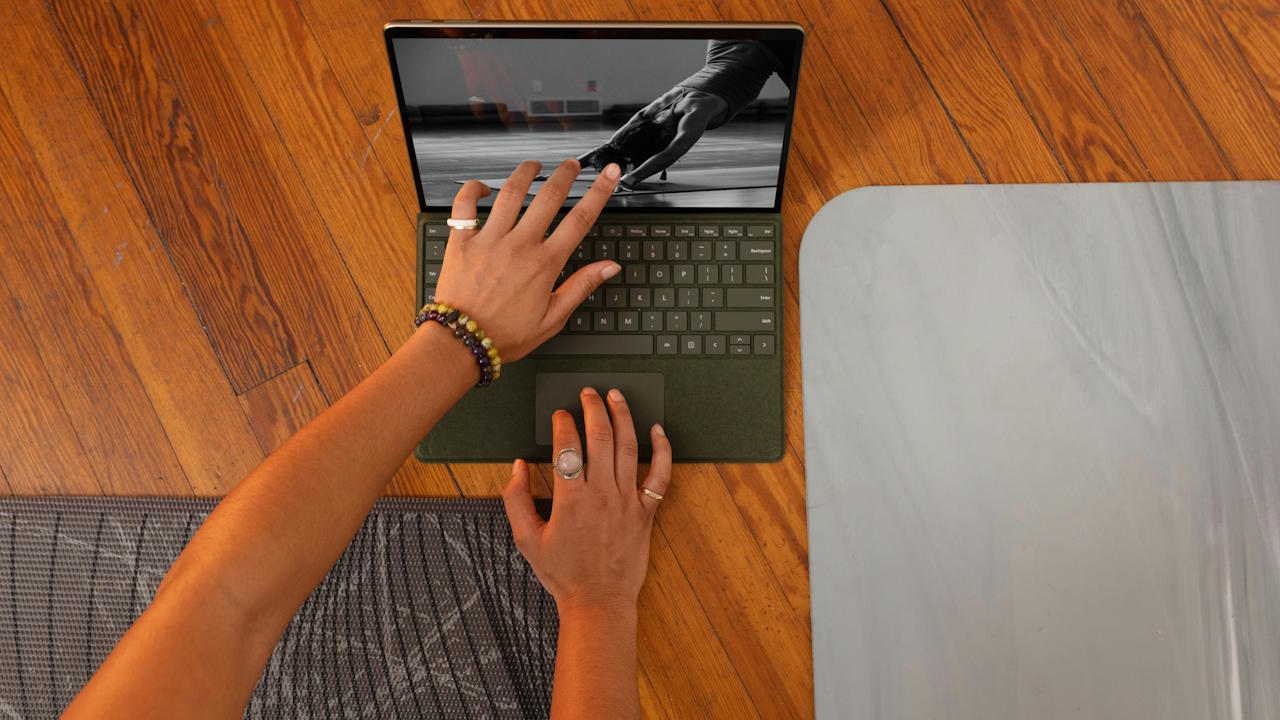
TLDR: A touchscreen laptop is admirable and highly intuitive when paired with touch-optimized software. But remember: stylus support is optional, and not every touchscreen adds meaningful creative value. The trade-offs—glossy screens, fingerprints, extra weight, shorter battery life, and higher price—can be significant.
Touchscreen laptops have carved out a niche in modern computing, offering a blend of traditional typing and intuitive touch interaction. They promise convenience, creativity, and versatility—but do they justify the extra cost and trade-offs? Let’s explore.
The Appeal of Touchscreens
- Intuitive Navigation: Touchscreens make touch-optimized software simple and natural to use. Swiping, pinching, and tapping often feel faster than using a trackpad or mouse.
- Presentation-Friendly: Interacting with slides or documents during meetings feels more engaging and hands-on.
- Optional Stylus Support: Some touchscreen laptops support active digitizer stylus pens, which can be great for sketching, note-taking, or design work. However, not all models include this feature, and many users may never need it.
The Limitations
- Software Compatibility: Not all Windows interfaces or desktop programs are optimized for touch, which can make the feature feel inconsistent.
- Glossy Screens: Touch displays are usually glossy, meaning they reflect surrounding light and easily attract fingerprints.
- Bulk & Weight: Touch laptops tend to be heavier and thicker than non-touch models.
- Battery Drain: The touch layer consumes more power, reducing battery life compared to traditional laptops.
- Price Premium: Expect to pay an extra $50–$100 for touch capability, even if you don’t use it often.
- Creative Value Isn’t Guaranteed: While some users benefit from stylus input on touch-laptops that support it, others may find little added value if their work doesn’t involve drawing, annotating, or design.
Who Benefits Most?
- Students & Creatives: Those who rely on handwriting, sketching, or design work will find stylus use on supported touchscreen laptops invaluable.
- Business Professionals: Great for presentations and quick document interactions.
- Casual Users: If you are used to touch input on your phones and tablets, having the same on your laptop may be valuable. But, if your main tasks are browsing, streaming, or typing, the added cost and drawbacks may outweigh the benefits.
Conclusion
We suggest you buying a touchscreen laptop if you’ll actively use its interactive or stylus features. Otherwise, a non-touch model may serve you better, saving money and offering longer battery life.
Check out Touchscreen Laptop Deals
If you plan to buy a touchscreen laptop, you may find our deals list useful.